Part 2 — Set Up Your Company · Chapter 5
Company Profile & Global Settings
Everything company-wide lives on one screen: Setup, reached from the Actions menu in the header. As part of your initial setup some fields need to be filled right away. The rest can wait (later chapters cover it). Setup is admin-only.
The Main group
Details is your company profile: name, address, phone, logo. It feeds your document templates and portal branding, so fill this in before you generate your first invoice.
Contacts is the master list of your internal people. Every internal person who logs in is managed here. Learn how to create them in chapter 6. On the Setup page you can also import and export contacts in bulk with Excel using the Import / Export Center.
Holiday Schedule defines company-wide days off. The resource calendar displays them. Individual technicians enter their own out-of-office dates on their own home page, covered in chapter 6. This panel is for the days nobody works or could be a company-wide meeting.
Import / Export Center at the company level moves data in bulk using Excel: technicians, contacts, materials. If you’re migrating from another system, this is your on-ramp. The full reference for every import type is in Part 4.
Invoicing holds company-wide billing settings, including invoice numbering and the defaults individual projects inherit. Skim it now, come back with chapter 19.
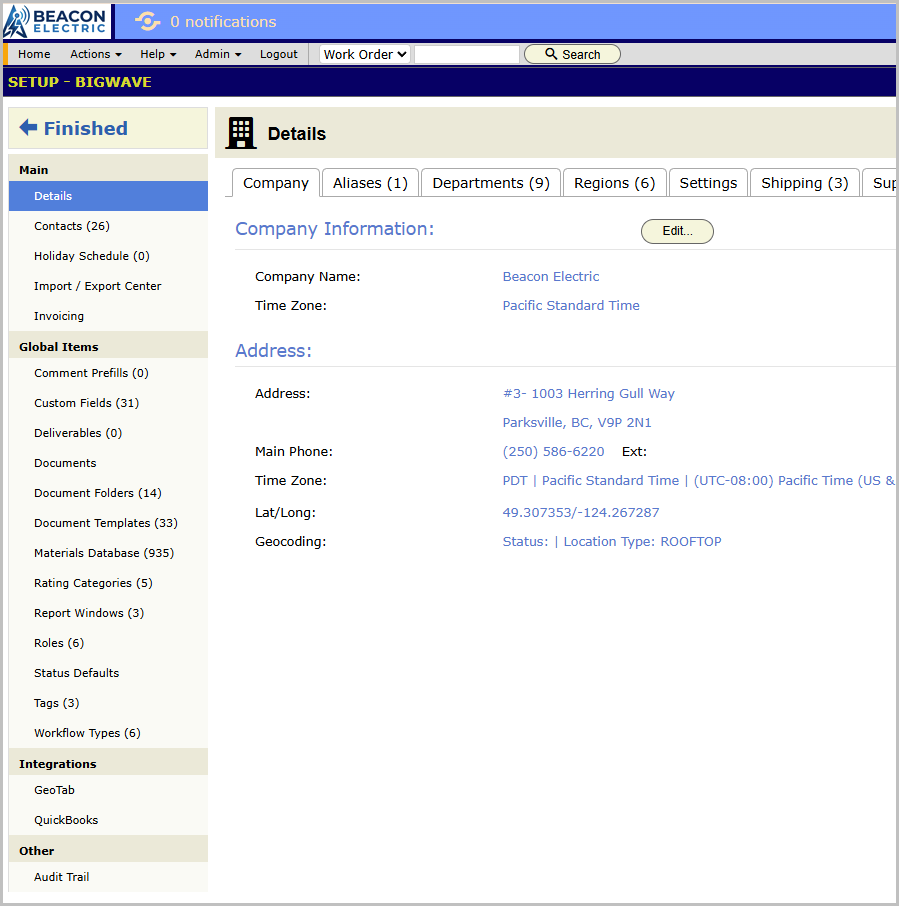
The Global Items group
Almost every configurable thing in BigWave exists at two levels: global, defined once here and available everywhere, and per-project, defined inside one project and applying only there.
- Global Custom Fields. Fields that appear on every project’s work orders, or on customers, sites, technicians, partners. Chapter 10.
- Global Tags. Tags (labels) usable on work orders across all projects. Chapter 10.
- Status Defaults. The starter status set new projects begin from. Chapter 7, and worth designing before you create real projects.
- Global Document Templates, Global Document Folders, Global Documents. Company-wide templates such as your invoice layout and your standard service report, plus folder structures and reference files. Chapter 12.
- Global Deliverables. Required-document definitions, a signed report or a photo set, that can attach to work everywhere. Chapter 12.
- Materials Database. Your parts catalog with costs and prices. Chapter 11.
- Comment Prefills. Canned comment texts users insert instead of typing the same sentence over and over again.
- Technician Rating Categories. The dimensions you score techs on, quality and punctuality and the like. Chapter 6.
- Global Report Windows. Named recurring time windows, weekly or monthly, used by reporting. Chapter 23.
- Roles. The permission sets from chapter 4.
- Workflow Types. Global workflow definitions. Chapter 7.
Don’t work down this list top to bottom. Know where things live. Each referenced chapter tells you when to come back.
Integrations
When enabled for your company, an Integrations group appears with setup panels for GeoTab (vehicle tracking devices) and legacy Work Market connections.
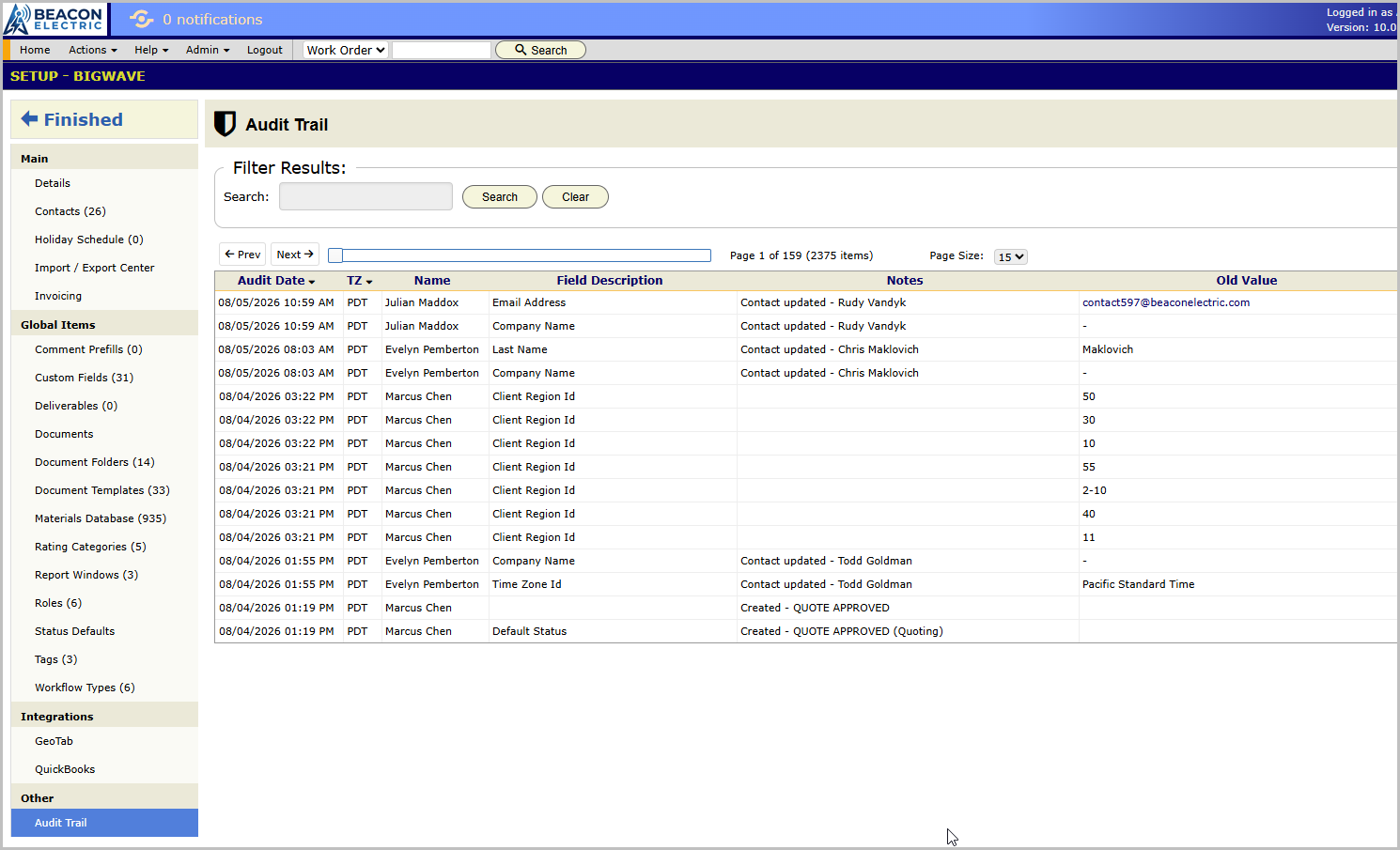
The Audit Trail
The Other group holds the company-level Audit Trail: who changed what, when, across setup data. Every major record type in BigWave carries its own audit panel too, customers and sites and work orders and projects and technicians and partners. When something looks wrong, the audit trail answers “who touched this”.